17 December 2023
Tips for Navigating the Social Enterprises Page
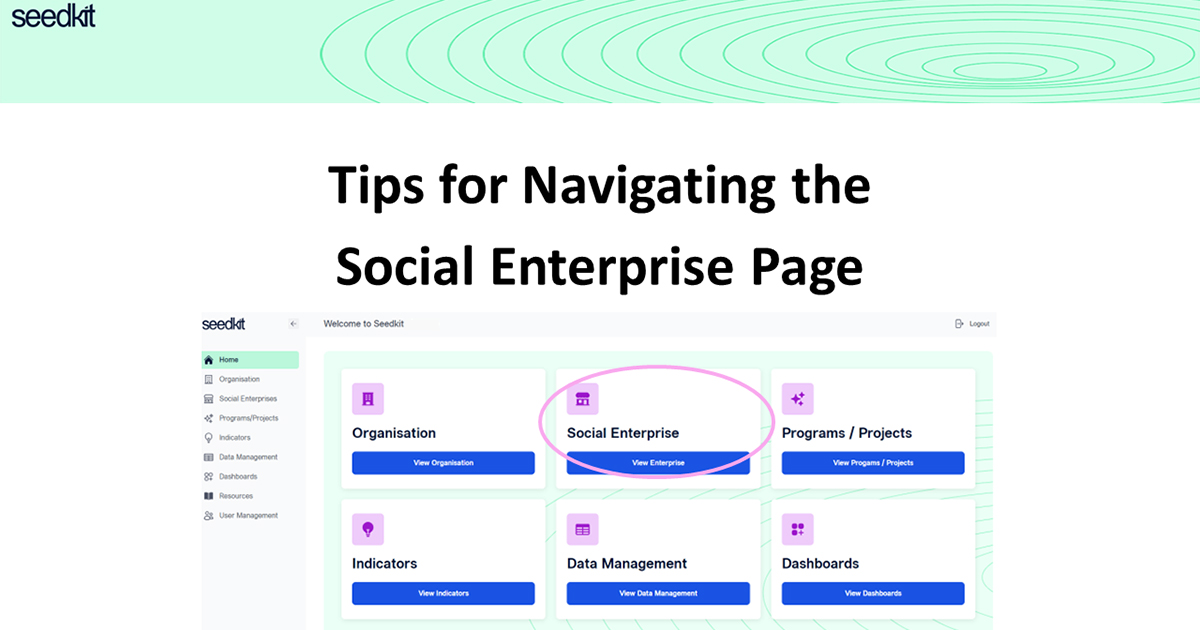
Here are some tips to help you find your way around the Social Enterprises page on Seedkit
Welcome to the Social Enterprises page.
This page is where all the details of your account's social enterprises are stored. Here you can add social enterprises, edit their details, and archive social enterprises that may be no longer relevant for your organisation.
Click the + Add button next to the drop-down list. Your new social enterprise will appear as 'Social Enterprise #1' in edit mode. The screenshot below shows what your screen will look like.
To enter details of the newly added social enterprise, click the Edit icon to the right of the 'Social Enterprise #' title. This will unlock the screen and you can then enter in the details of your social enterprise.
From here, you can change the title of your social enterprise and the enterprise details. This includes the information in the 'Social Enterprise Details' tab and the 'More Information' tab.
On the 'More Information' tab, you are able to add 'Third party Certification/ Memberships'. These are viewable via the dropdown box titled 'Select Certification'. You can add multiple certificates here.
Once you have entered all the details of your social enterprise, click the Done button and your social enterprise and its details will be saved.
To do this, simply select the enterprise and click the red Archive button. This will remove the social enterprise from the dropdown list.
If you have added multiple social enterprises, you are able to view them all via the dropdown icon. Select 'Show Archived Enterprises' to view social enterprises that you have archived.