10 November 2023
Required and Indicator Data

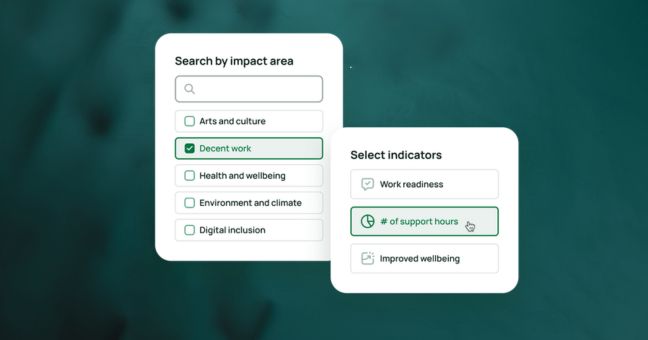
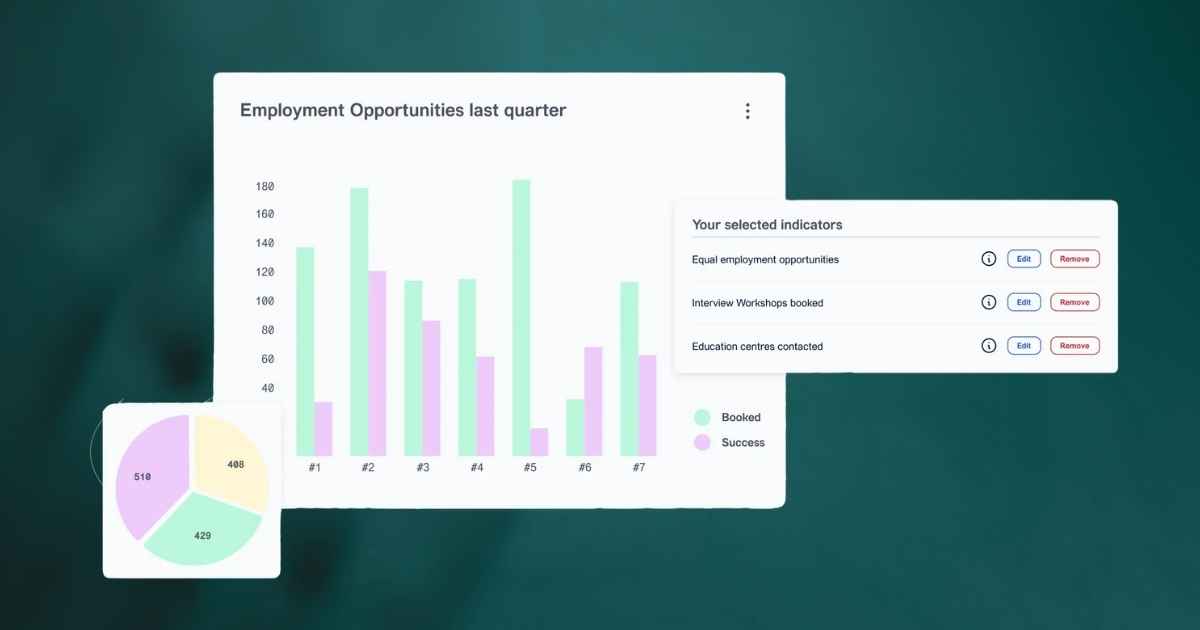
After you have selected indicators from the Seedkit Indicators Library, the next step is to add data to your indicators.
Seedkit classifies data into two types. You will see these labels used across the Toolkit.
First, is Required Data. This is data that you will manually need to add for all indicators, such as number of people, hours or income.
Second, is Indicator Data. This is data, such as a ratio or percentage value, that is calculated from the Required Data you have previously entered. Data is automatically calculated via formulas that are built into the Seedkit Library, so you don't have to calculate this yourself.
For example, you have selected an indicator for 'Proportion of operating income from trade'. Required Data to add to this indicator are 'Sales revenue' and 'Total revenue'. Once you added these two Required data, the Indicator Data is calculated via a formula that divides total revenue by sales revenue.
Seedkit automates data entry and calculation where it can, so you can 'enter the data once and use often'. This is why you may see data auto-populated from the Required Data you add.
And in many cases where no formula is required, the Required Data and Indicator Data will be the same. This is true for all custom indicators that you create and for any indicators that you have modified from the Library.
We know adding and understanding data can be tricky, so further user guides will be developed. If you have any questions or get stuck on a particular step, please email us at admin[at]seedkit.com.au