17 December 2023
Tips for Navigating the Organisation Page
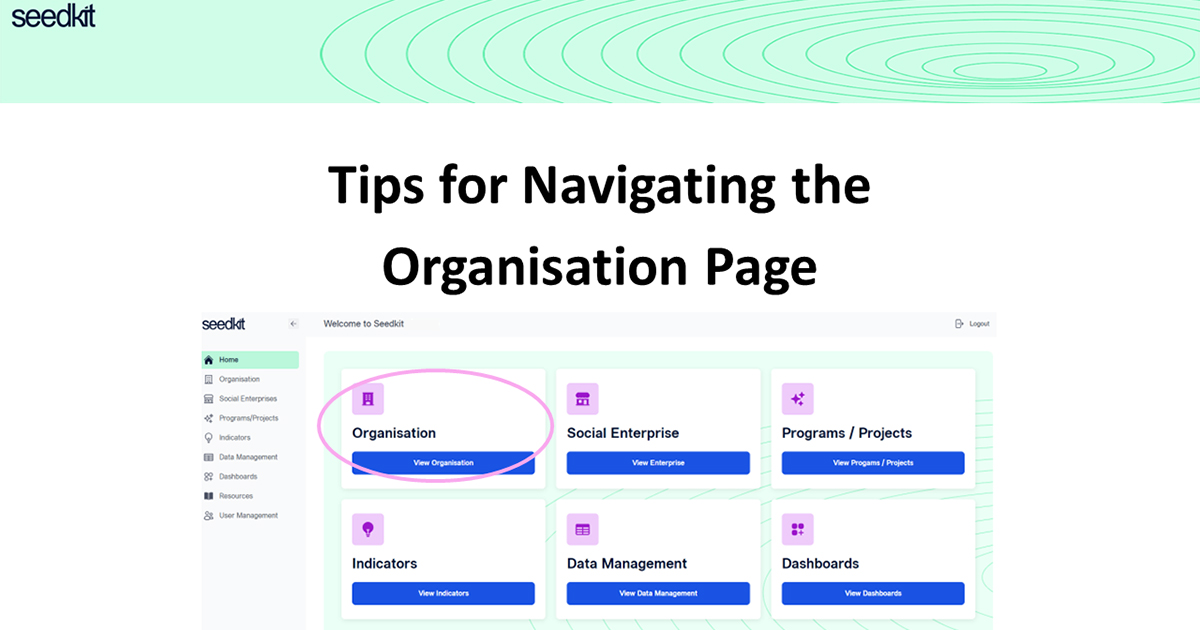
Here are some tips to help you find your way around the Organisation page on Seedkit
Welcome to the Organisation page.
This page allows you to edit or view your organisation profile. Here you can also view the social enterprises or programs/ projects (the reporting units) for which you want to create indicators to track and measure. To learn how to set up reporting units, click here.
The details you entered when you signed up will already be entered into the organisational details on the Organisation page.
To change or add any additional information to organizational details, select 'Edit'. The screen should look like this:
Below the organisation details, you will be able to see any active or archived social enterprises or projects/ programs that have been created in this account.
For archived reporting units, you will not be able to view the details, indicators or indicator data. To change the status of and archived reporting unit to active, navigate to the 'Social Enterprise' or 'Programs/Projects' page.